Step 1
Upload a photo
Choose a clear selfie or portrait. Good lighting and a centered face produce the most consistent results.
TapToon is an AI photo editor that turns selfies into cartoon portraits, anime avatars, 3D cartoon characters, and action-figure styles in seconds. Create profile pictures, social avatars, and shareable images for Instagram, TikTok, and messaging apps.
Get the official TapToon app on Google Play: TapToon on Google Play.
TapToon Styles
Explore our most popular cartoon and avatar presets — anime, 3D cartoon, action-figure looks, neon vibes, sketch art and more. Tap any style to open its detail page.
Tip: For the best results, use a clear, well-lit photo with one face centered.
Style Gallery
Mobile: swipe to explore. Desktop: compare more styles at a glance. Each card opens a dedicated style page.
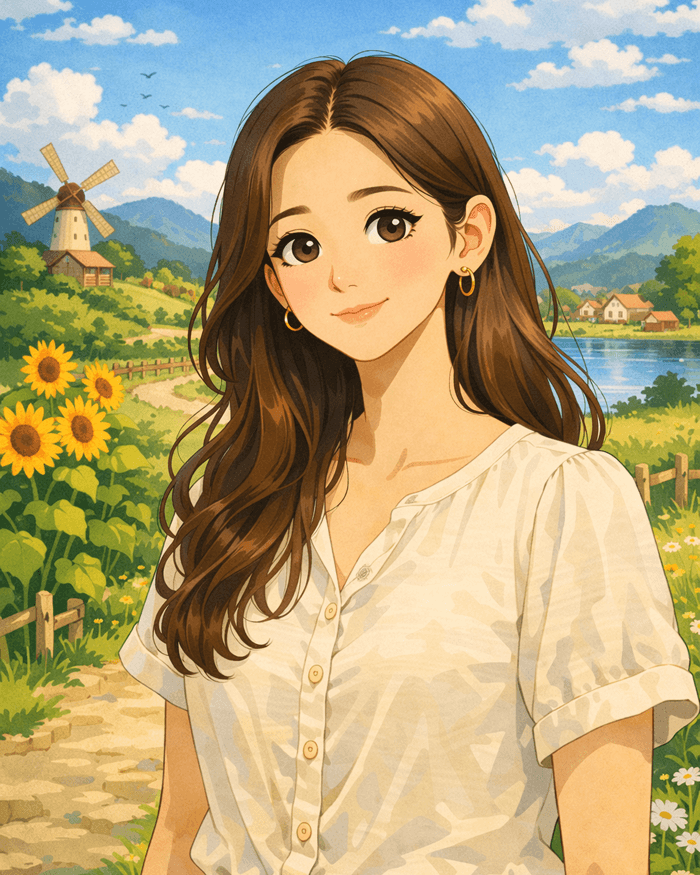
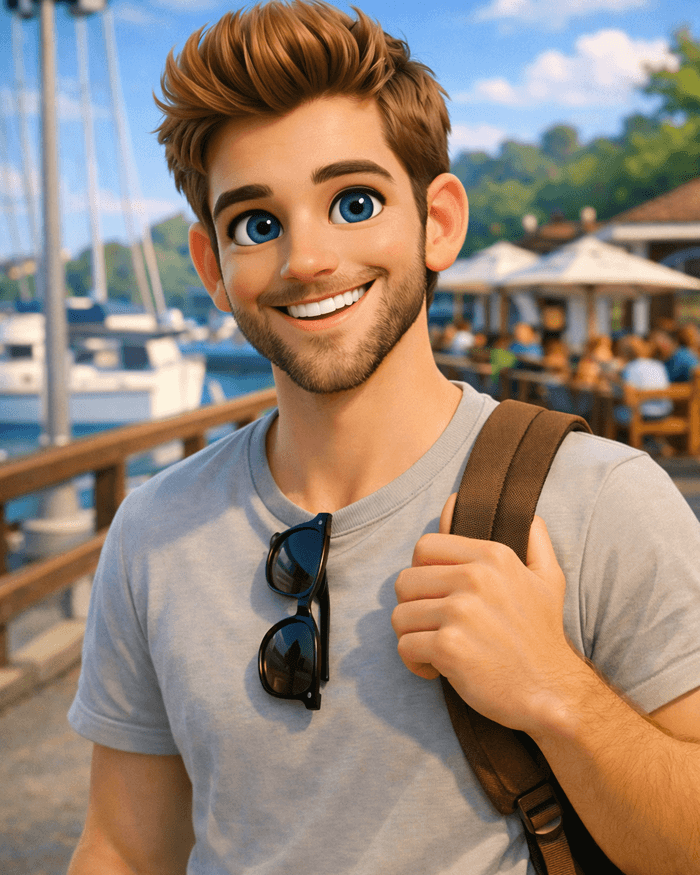
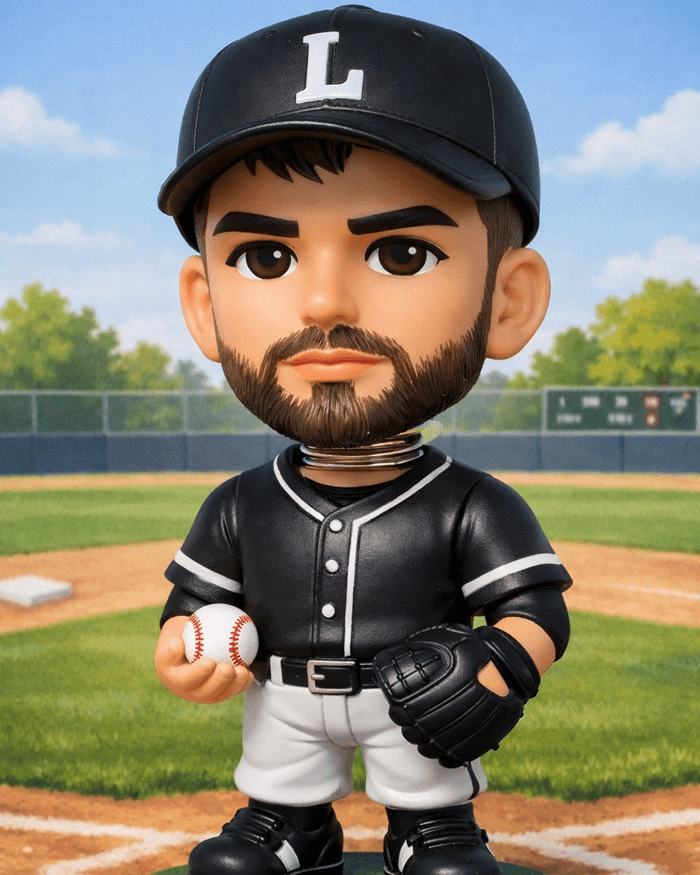
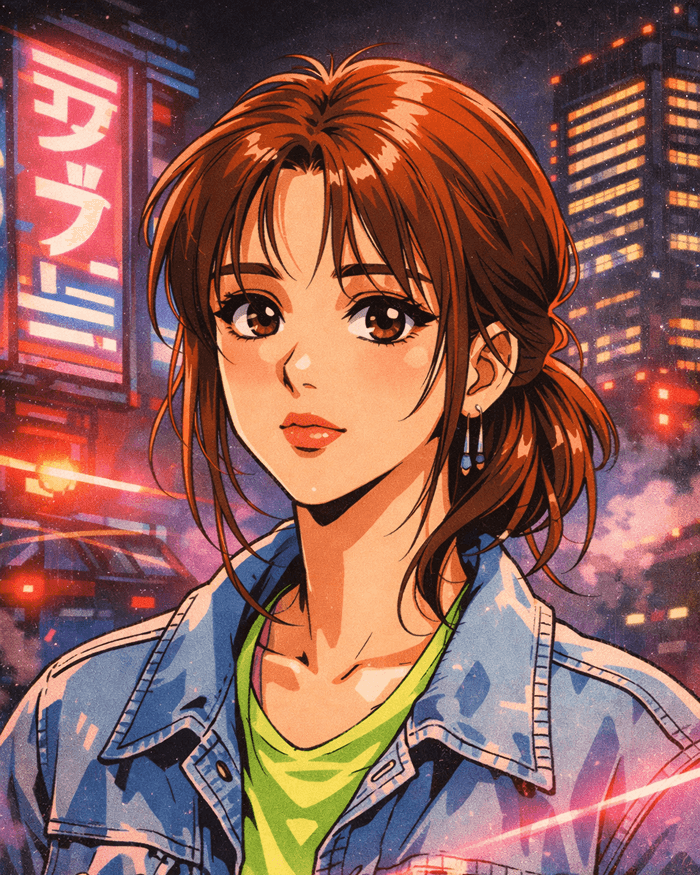
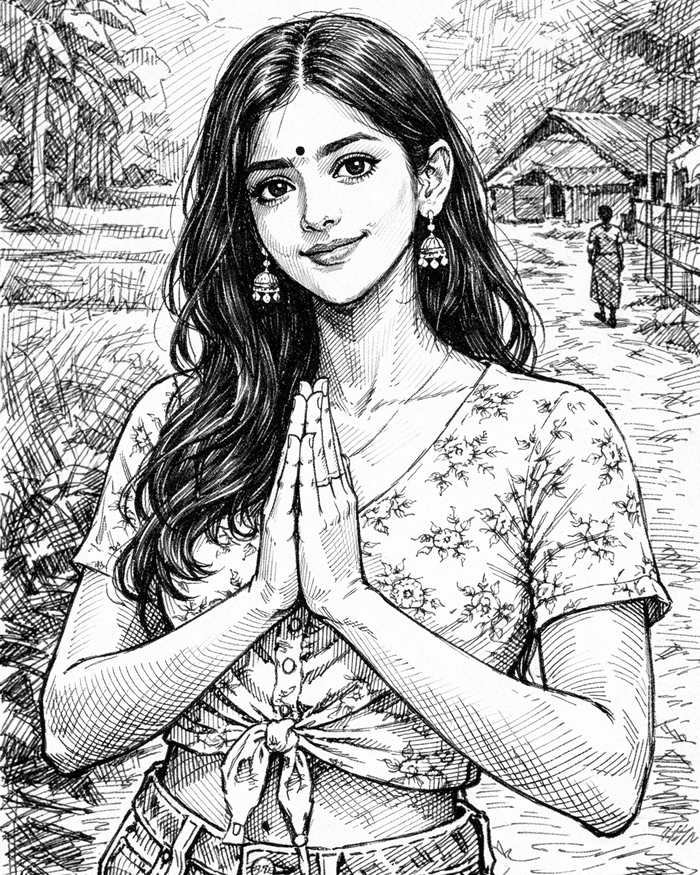
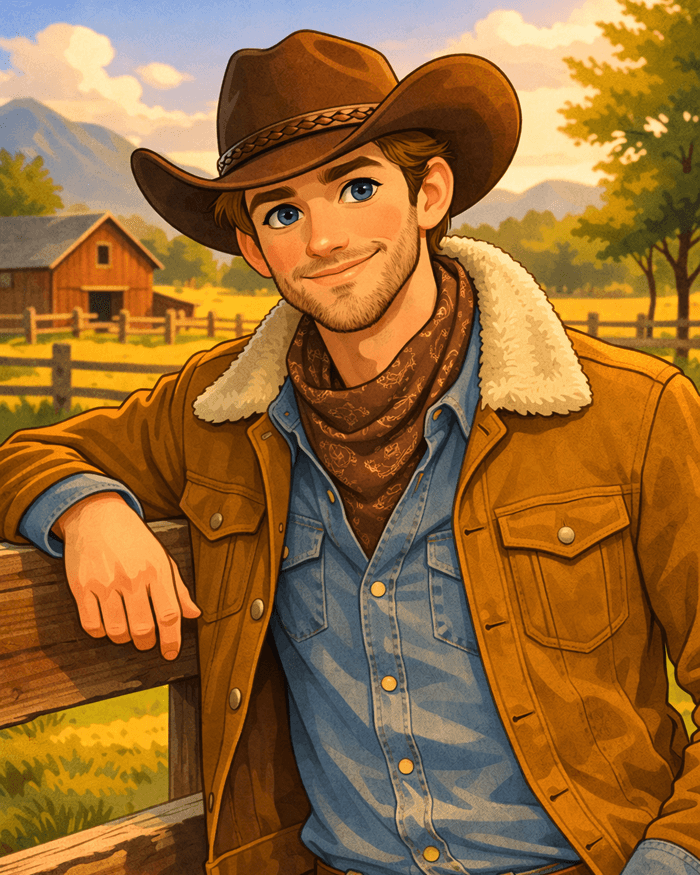
Note: previews on this page use lightweight placeholders. Replace with real TapToon outputs on each detail page for maximum conversion and trust.
How it works
TapToon is built for speed: pick a style, generate, and share — optimized for profile pictures and social posts.
Step 1
Choose a clear selfie or portrait. Good lighting and a centered face produce the most consistent results.
Step 2
Select a preset like Anime Pop or Pixar-ish 3D. Each style page explains the best use case and tips.
Step 3
Generate your result in seconds, then download or share to Instagram, TikTok, WhatsApp, or anywhere you post.
Official Google Play listing • Android
A style is an AI preset that transforms your photo into a specific look (anime, 3D cartoon, action-figure, sketch, etc.).
Anime Pop and Pixar-ish 3D are popular choices because the face stays clear and expressive at small icon sizes.
Many styles work best on single-person portraits. For groups, use a well-lit image and try styles with clean edges and higher detail.
Use a sharp, front-facing photo with good lighting, avoid heavy motion blur, and keep the main face centered. If a style looks too strong, try a softer preset like Pixar-ish 3D.
Some effects support animation depending on the selected style and device capabilities. You can preview animation options inside TapToon.
Official listing • Android