Style Wiki

Ghibli Style
storybook cartoon portraits.

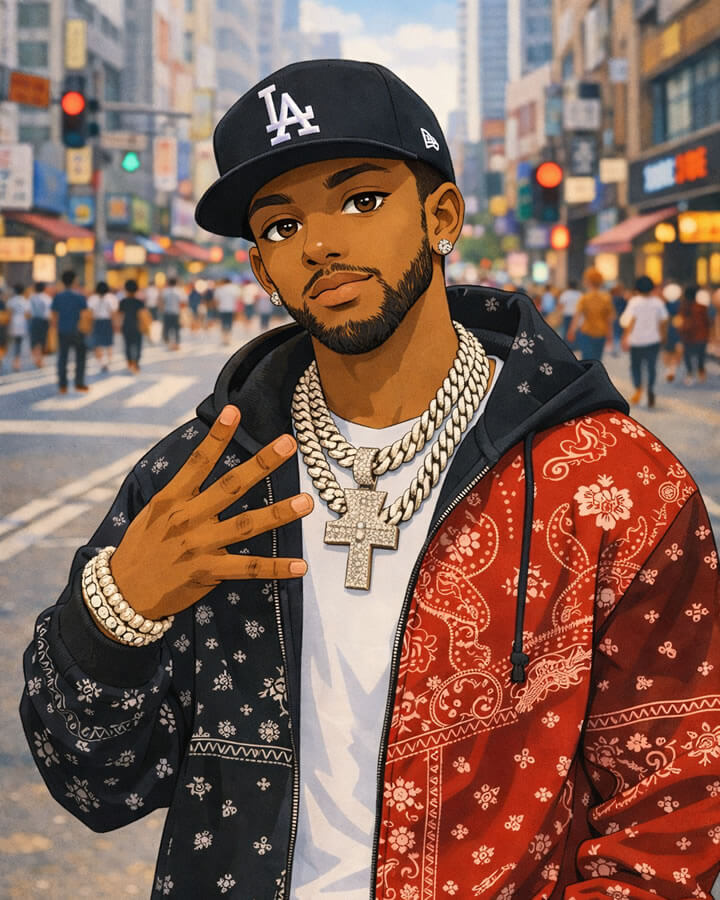
A soft, warm, illustrated look that turns selfies into gentle cartoon characters — readable as an avatar and beautiful as a shareable post.

Top Pick Best for Profile Pics Stories & Reels Couples & Friends
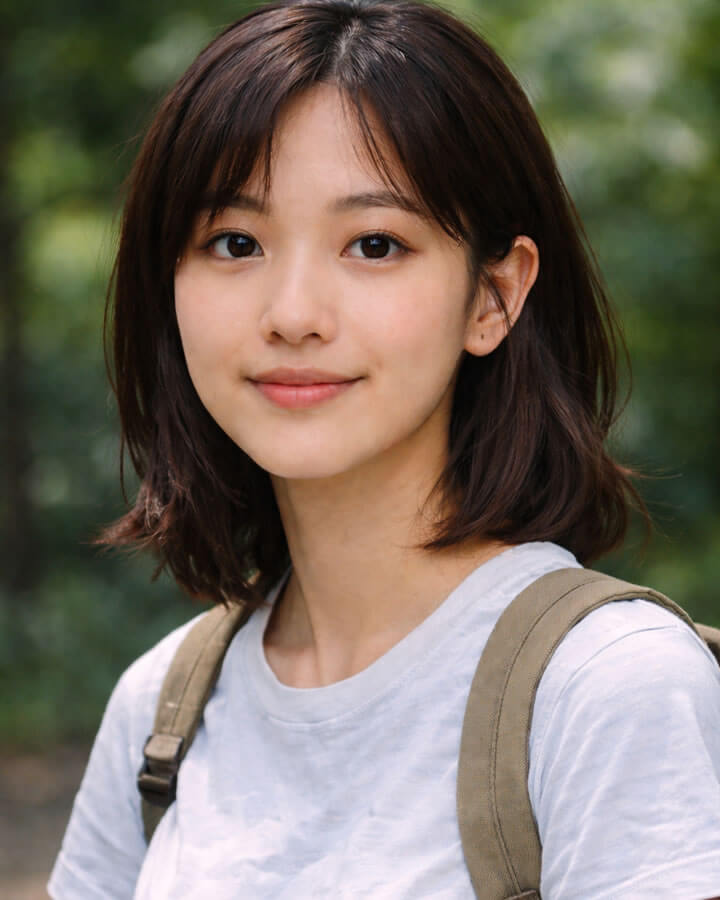
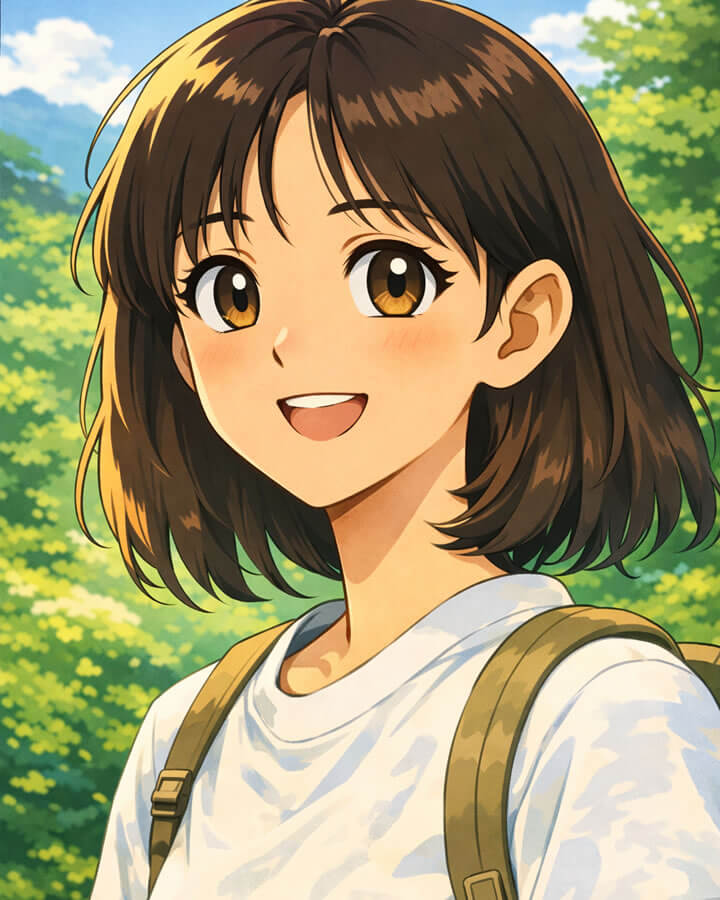
Before photo (example) After: Ghibli-style cartoon result (example)
Before After

Preview

Selfie → Ghibli

Replace these placeholders with real TapToon outputs to maximize trust and conversion.

Definition

What is Ghibli style?

It’s a warm, illustrated cartoon vibe with soft shadows, gentle gradients, and expressive facial focus. The result looks hand-crafted and storybook-like — easy to read as an avatar, but detailed enough for sharing.

Look

Soft shading, warm tones, clean face details

Feel

Cozy, gentle, cinematic, illustrated

Best size

Avatars, story posts, wallpapers
Use cases

Best for

Where this style usually converts and gets shared the most.

Avatars

Profile pictures

Clean face readability at small sizes (messaging + social).

Social

Stories & reels

Warm cinematic look that feels personal and shareable.

Friends

Couples & group pics

Works well when faces are clear and close to camera.

Preview

Ghibli-style results people share

A few example outputs to set expectations. Replace these placeholders with real TapToon results for maximum trust and conversion.

Try this style
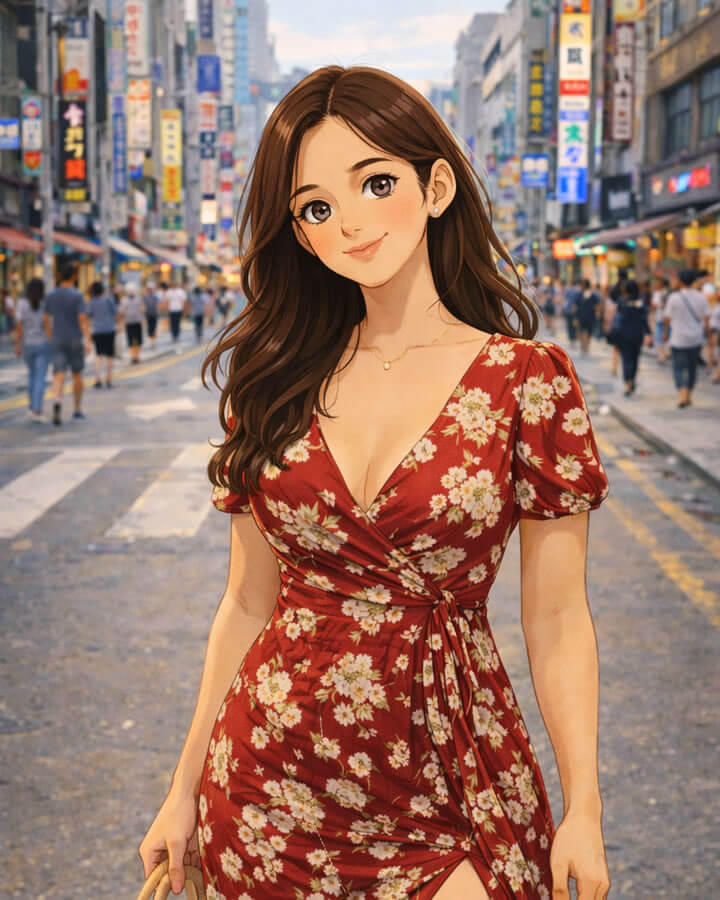
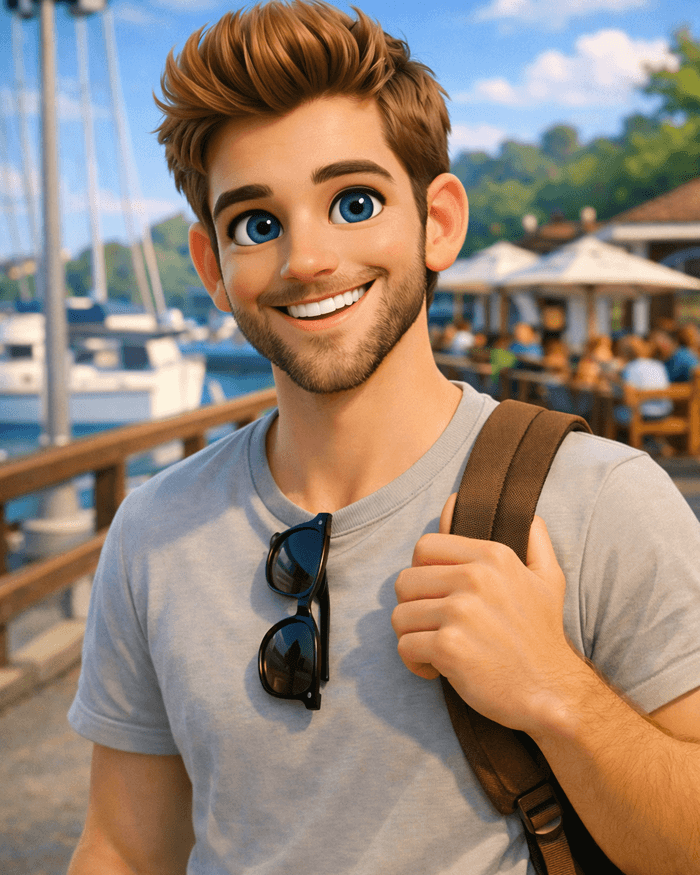
Ghibli-style portrait example 1
Portrait

Soft cinematic lighting

Works best with clear face and simple background.

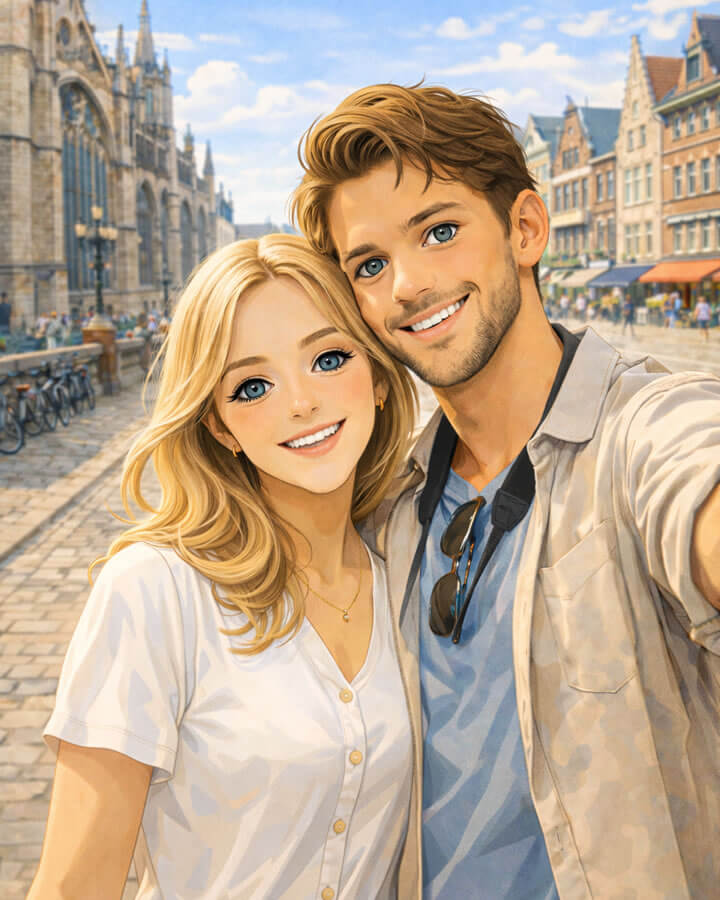
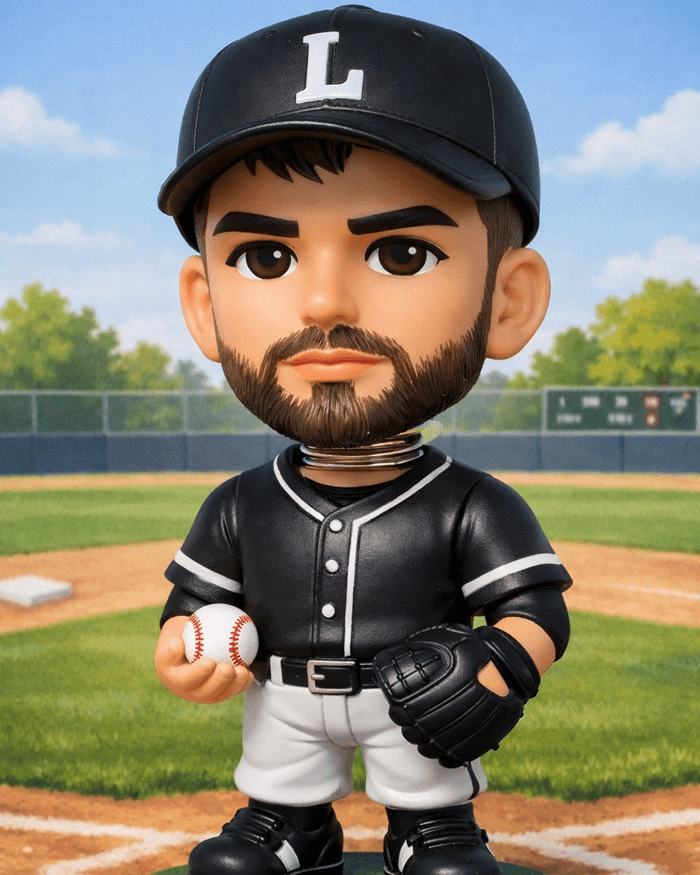
Ghibli-style portrait example 2
Couple

Warm color grading

Great for stories and profile photos.

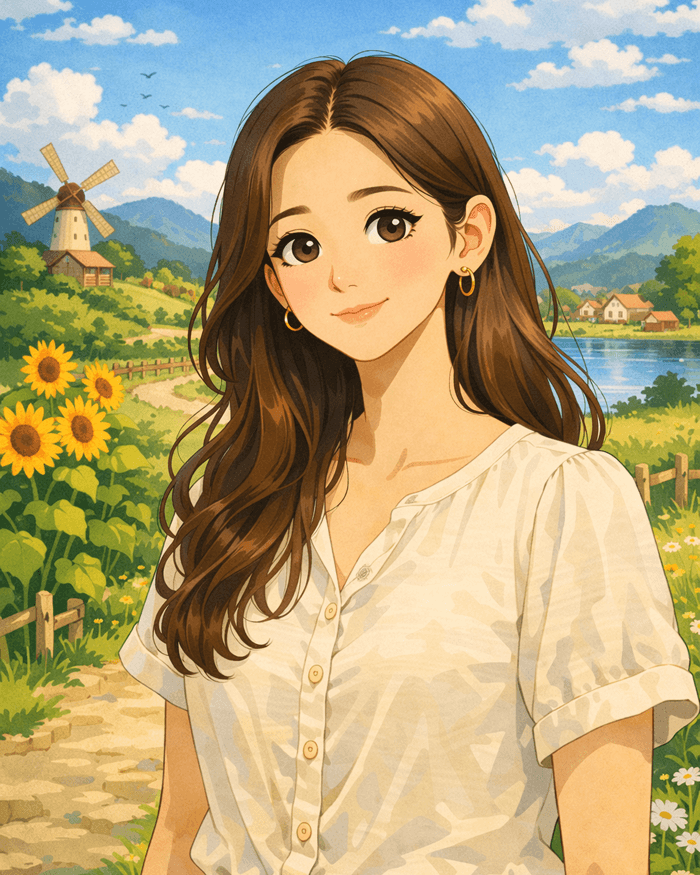
Ghibli-style scene example 3
Scene

Painterly backgrounds

Outdoor photos usually look best.

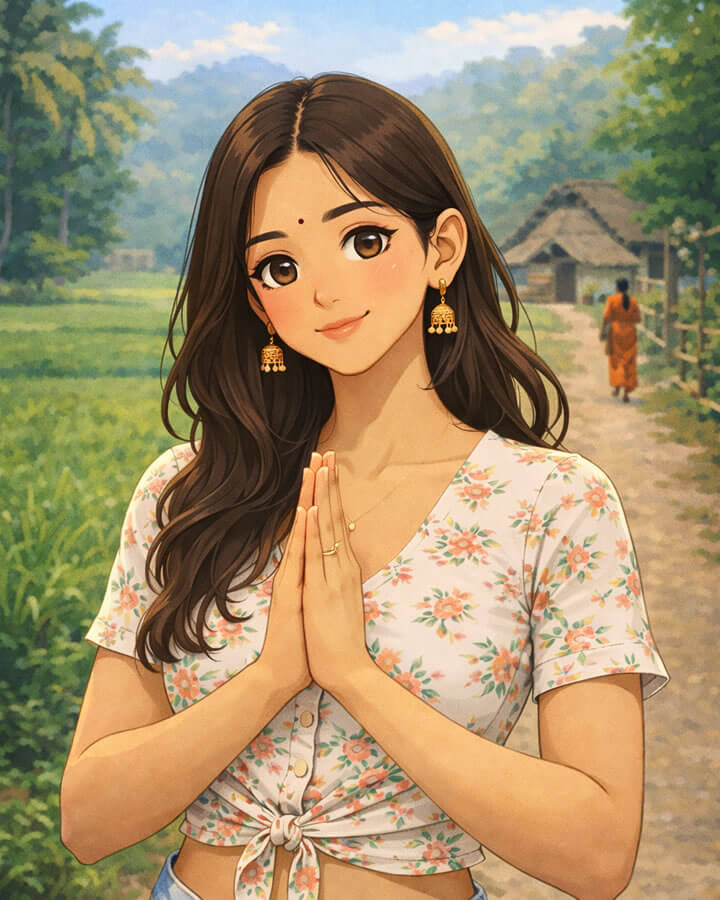
Ghibli-style avatar example 4
Avatar

Clean linework

Try a centered selfie for strongest results.

Note: results vary by photo quality, lighting, and background. Use the same photo to compare multiple styles and pick the best.

How it works

Make a Ghibli‑inspired toon in seconds

Upload a photo, pick Ghibli‑inspired, and generate a soft, storybook look. Designed for profile pictures, reels, and sharing.

1

Upload a photo

Choose a clear selfie or portrait. Good lighting and a centered face gives cleaner lines and better skin shading.

Tip: Avoid heavy filters or extreme blur before stylizing.

2

Pick Ghibli‑inspired

Select the style preset to get gentle colors, soft highlights, and a warm illustrated mood.

Works great for: avatars, story posts, and “anime‑like” portraits.

3

Generate & share

Tap generate, then download or share instantly. Try the same photo with multiple styles for the best results.

Tip: Keep a consistent “before” photo to compare styles side‑by‑side.

Quick answers

Want sharper results? Use a higher‑resolution photo and avoid strong shadows across the face.

See FAQ

Tips

Get cleaner results

Small input improvements usually make the output look more premium.

Use even light

Natural window light reduces harsh shadows and improves face detail.

Keep faces large

Crop closer so the style focuses on eyes, nose, and mouth cleanly.

Simple background

Busy scenes can distract the model and reduce overall “storybook” feel.

More styles

Compare with other top presets

Explore related looks. Each card links to a full guide.

View all styles
Try TapToon Now

Android download • Official Google Play listing

Why people like this style

★★★★★

"Soft and cozy — looks great as my profile picture."

User review

★★★★★

"I tried 4 styles from the same photo — this one was the most shareable."

Creator

★★★★★

"Looks like a storybook character but still feels like me."

TapToon fan

Ghibli Style FAQ

What is Ghibli style?

A soft, warm, storybook-style cartoon look with gentle shading and expressive facial focus. TapToon’s preset recreates that vibe from your photo.

What photos work best?

Clear faces, even lighting, minimal motion blur. A simple background helps keep the result clean and avatar-friendly.

How do I create it in TapToon?

Open TapToon → upload a photo → choose Ghibli Style → generate → save or share.

Can I try multiple styles from one photo?

Yes. This is the fastest way to pick your best-performing avatar look.

Where can I get help if something looks off?

Visit the Support page for troubleshooting, refunds, and contact options.

Get TapToon on Google Play

Official listing • Android

Get TapToon on Google Play